Receive
Capture supported batch and date details when inventory enters the workflow.

BillingVerse keeps batch details, manufacturing dates, expiry dates, supplier batch references and unit-conversion controls within supported purchase and inventory workflows.
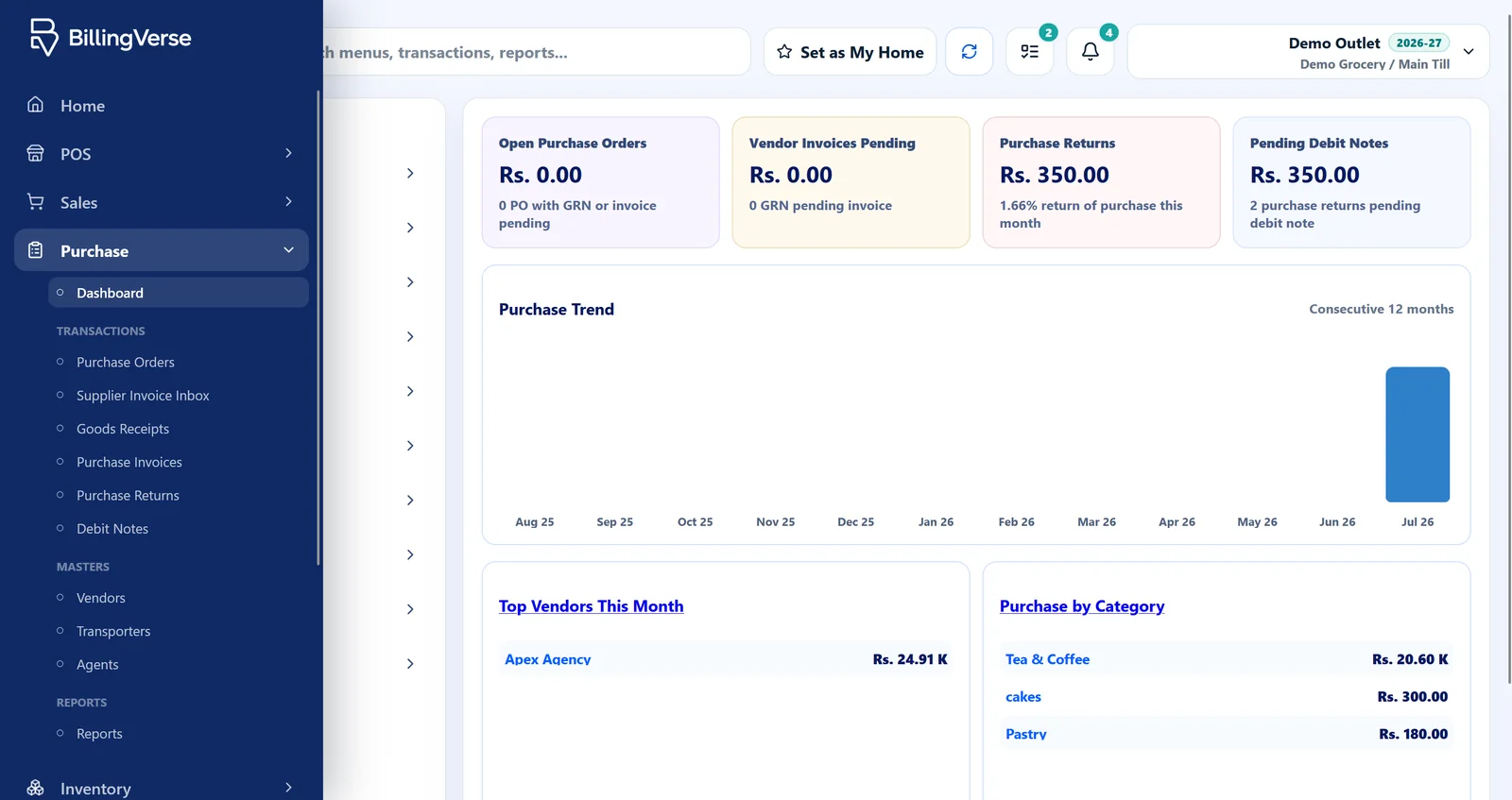
Batch fields are useful when they stay attached to the relevant receipt, movement and product record; they do not by themselves create a regulated traceability programme.
Capture supported batch and date details when inventory enters the workflow.
Keep batch context with the relevant product and stock records.
Carry batch details through issues, adjustments and transfer workflows.
Inspect the available batch and expiry context while confirming the reports your team requires.
Test the actual fields and units used by your products.
Confirm batch tracking, units and required date fields.
Capture supported batch, supplier-batch, manufacturing and expiry details.
Use issues, adjustments or transfers while preserving relevant context.
Inspect the supported product, movement and report views.
Track batch details.
Carry the supplier reference where supported.
Record manufacturing-date context through inventory workflows.
Record expiry-date context through inventory workflows.
Use supported unit-conversion controls.
Connect batch-tracked products with receipts, issues, adjustments and transfers.
Let’s discuss pharmacy, food-safety, recall and regulated-traceability requirements with the product team and the appropriate specialist.
Use its supplier reference, dates, units, movement path and required report.
BillingVerse supports batch details, manufacturing dates, expiry dates and supplier batch references through inventory workflows.
BillingVerse supports unit-conversion controls through inventory workflows. Test your exact units during the demo.
Let’s review regulated-traceability and recall-management requirements with the product team and the appropriate specialist.
BillingVerse supports stock-transfer workflows between configured locations. Confirm the batch-specific transfer and receiving steps during evaluation.
Bring one representative product to a guided inventory walkthrough.