Sell B2B
Use supported quotation, proforma, order, delivery and GST-invoice workflows.

Manage retailer orders, GST invoices, purchases and returns alongside stock records for your FMCG business. BillingVerse connects packaging units, batches and expiry dates with stock locations, accounts and reports.
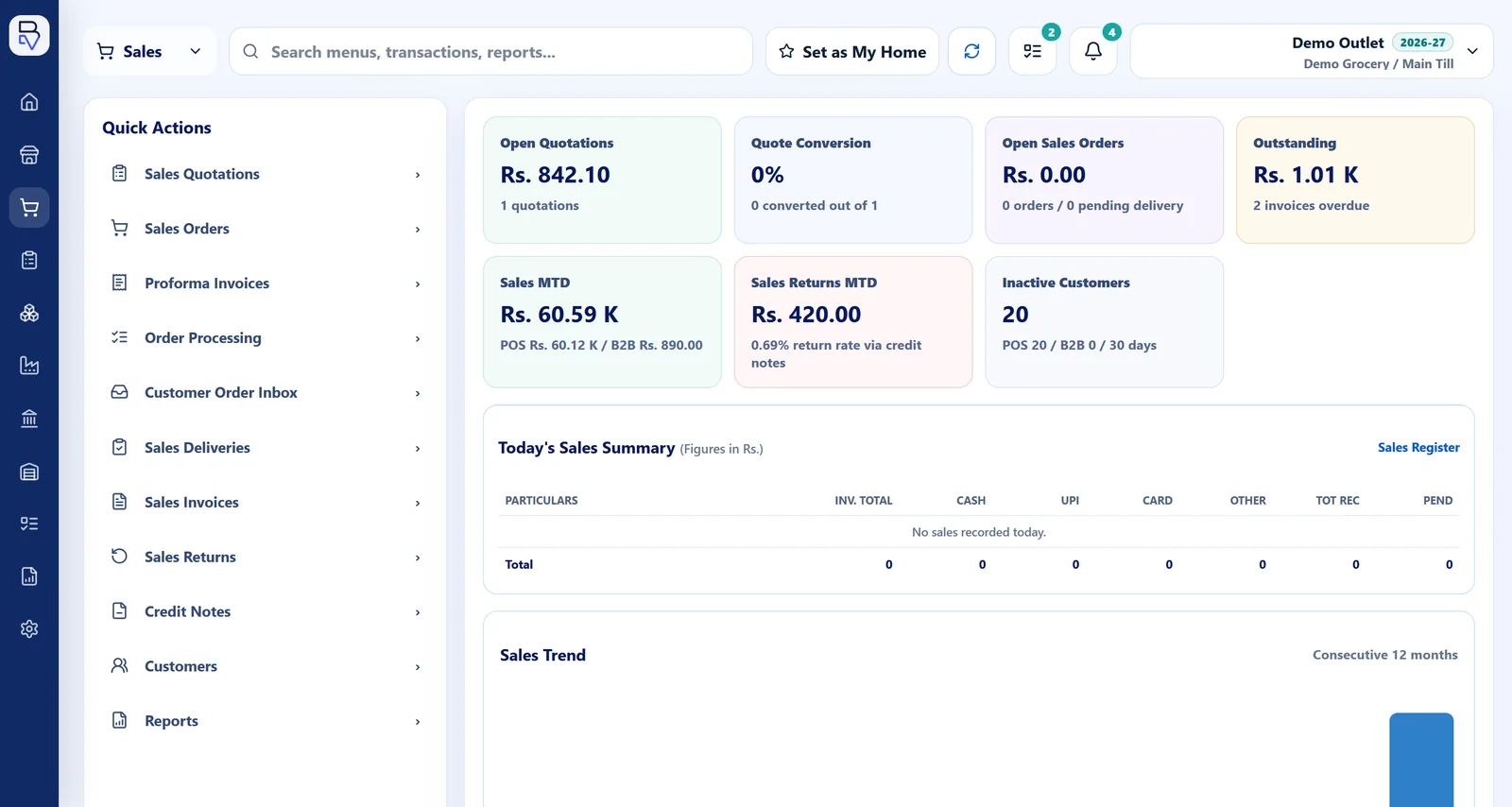
The FMCG workflow connects B2B, purchase and inventory capabilities. Let’s discuss route planning, field sales and warehouse automation for your operation.
Use supported quotation, proforma, order, delivery and GST-invoice workflows.
Record purchase, receipt and supplier context.
Maintain supported units, batches, manufacturing dates and expiry dates.
Use return, credit-note, stock-location, account and report workflows.
Use one representative SKU and customer order to test documents, units, batches and downstream records.
Review the sale, purchase and packaging units used by the SKU.
Use the supported batch and expiry information relevant to fulfilment.
Run the supported order, delivery and GST-invoice workflow.
Test a return or credit note and inspect stock and accounting context.
Suppose a distributor receives 10 cartons of one product, with 24 packs in each carton. A retailer buys 7 cartons and later returns 2 loose packs. Use this example to review units, batch details and the documents your team needs. These quantities illustrate the stock calculation, not an automatic posting rule.
Set up the carton-to-pack conversion: 10 cartons × 24 packs = 240 packs. Review the supplier receipt, batch, expiry date and stock location for this product.
The retailer's 7-carton order represents 168 packs. Follow the order, delivery and GST invoice, checking quantities, batch details and the units shown on the documents.
Check the original sale and batch before recording the return and any credit note. Separate the decision to credit the customer from the decision to put goods back into saleable stock. Discuss damaged or expired goods handling during your demo.
Before the return, the example leaves 72 packs. It becomes 74 saleable packs only if both returned packs are accepted and restored to saleable stock. Review the actual movement records and customer account together.
Use quotation-to-credit-note workflows.
Connect vendor orders, receipts, invoices and returns.
Use supported unit-conversion controls.
Maintain supported batch and date details.
Review inventory context across configured locations.
Inspect vouchers, ledgers and drill-down business views.
Let’s discuss route planning, field-sales mobility, van sales, warehouse automation and external integrations for your FMCG operation.
Include its units, batch, delivery, return and accounting expectations.
BillingVerse supports B2B sales, purchase, inventory, unit, batch, expiry, return, accounting and reporting workflows.
Applicable products can maintain supported batch, manufacturing-date, expiry-date and supplier-batch context. If you need automatic earliest-expiry allocation, expiry alerts or sales blocking, discuss those requirements during your demo.
Supported return and credit-note workflows can remain connected to the commercial and inventory context. Review how your team distinguishes saleable returns from damaged or expired goods, and confirm the stock and customer-account outcome.
BillingVerse supports unit-conversion controls. Bring a product's purchase unit, sale unit and conversion quantity so the team can demonstrate the required setup, document display and stock calculation.
Bring one product with its packaging conversion and batch details, a supplier receipt or invoice, a retailer order and a return example. Remove personal or confidential information you do not need to share. Include any pricing, credit, expiry or field-sales rules you want to discuss.
Let’s review route-planning, field-sales and van-sales requirements during your demo.
Bring a representative product and customer order to a guided walkthrough.