Sell
Use barcode-first billing with customers, offers, returns and flexible payments.

BillingVerse combines barcode-first POS with offers, returns, flexible payments, loyalty, inventory movements, batch and expiry details, GST-aware documents and multi-outlet structure.
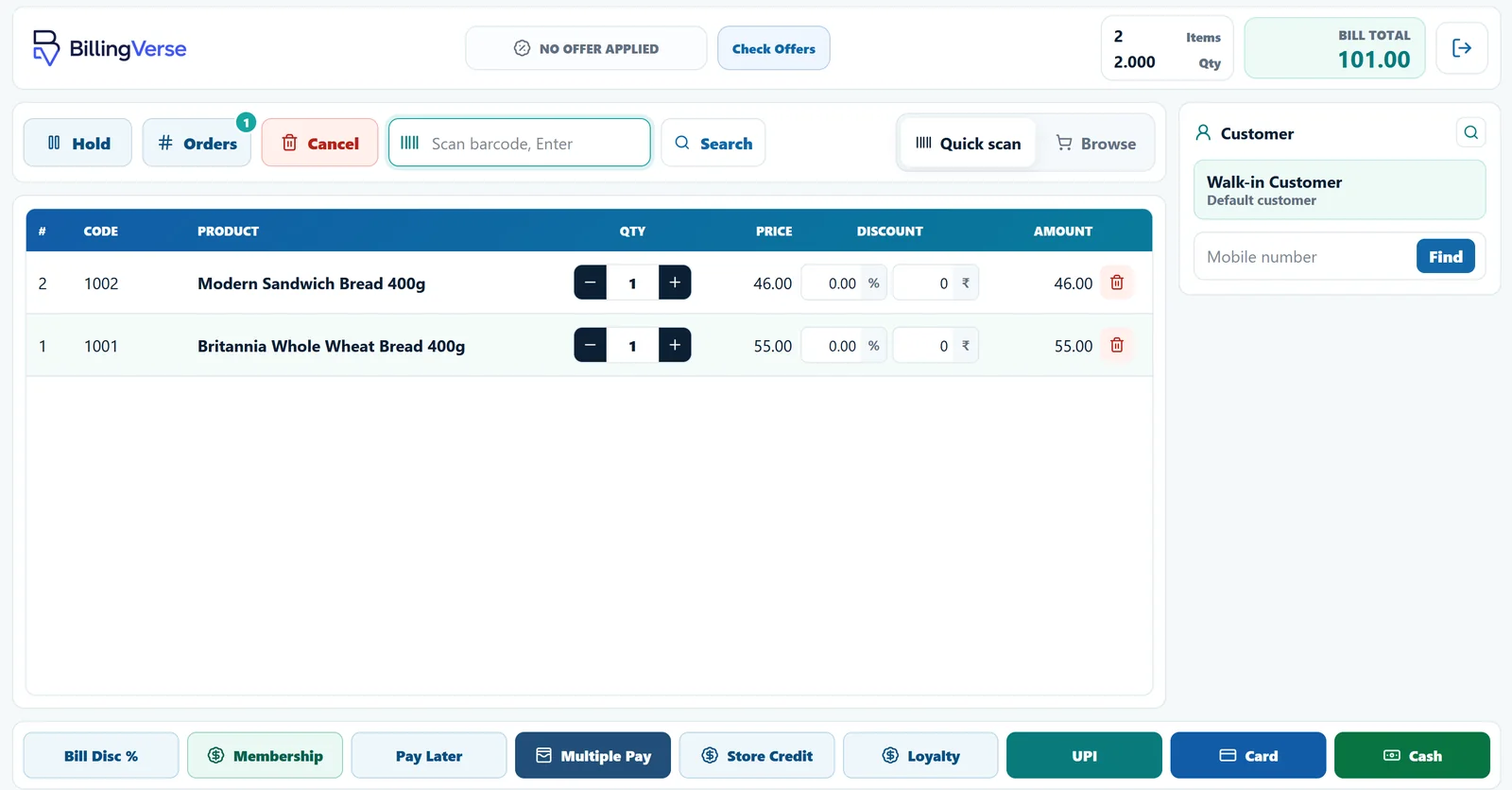
The workflow connects retail and inventory capabilities. Let’s discuss speed, devices, food-safety and offline requirements for your operation.
Use barcode-first billing with customers, offers, returns and flexible payments.
Use supported loyalty, membership and store-credit workflows.
Record receipts, issues, adjustments and transfers.
Carry supported batch, manufacturing-date, expiry-date and unit information.
Evaluate one representative supermarket product through sale, return and stock movement.
Confirm barcode, units and any batch or expiry fields.
Use the supported POS, customer, offer and payment-recording workflow.
Test a hold, return or store-credit scenario relevant to the counter.
Inspect the product, outlet, inventory and report context.
Use supported product selection and billing workflows.
Configure supported promotional and customer-programme workflows.
Handle supported retail counter exceptions.
Track supported batch and date details through inventory workflows.
Use tax-aware documents, GSTIN fields and printable GST invoices.
Configure companies, outlets, tills, users and stock locations.
Let’s discuss hardware compatibility, transaction speed, offline operation, food-safety and GST filing with our team and the appropriate specialist.
Include an offer, customer, payment, return and batch-tracked product where relevant.
BillingVerse supports barcode-first POS, offers, holds, returns, flexible payments, loyalty, inventory movements, batch and expiry details and multi-outlet configuration.
Batch-tracked products can carry batch, manufacturing-date, expiry-date and supplier-batch details through inventory workflows.
Device and offline requirements depend on your proposed setup. Let’s test and confirm them during the demo.
Review regulated food-safety and tax-filing requirements with the appropriate specialist, then discuss the required software workflow with our team.
Bring a representative basket and outlet setup to a guided walkthrough.