Receive
Record stock entering the operation through the relevant inventory or purchase receipt workflow.

BillingVerse connects purchase and inventory workflows so retail, distribution and warehouse teams can record receipts, issues, adjustments, transfers, batches, expiry dates and units in one operational system.
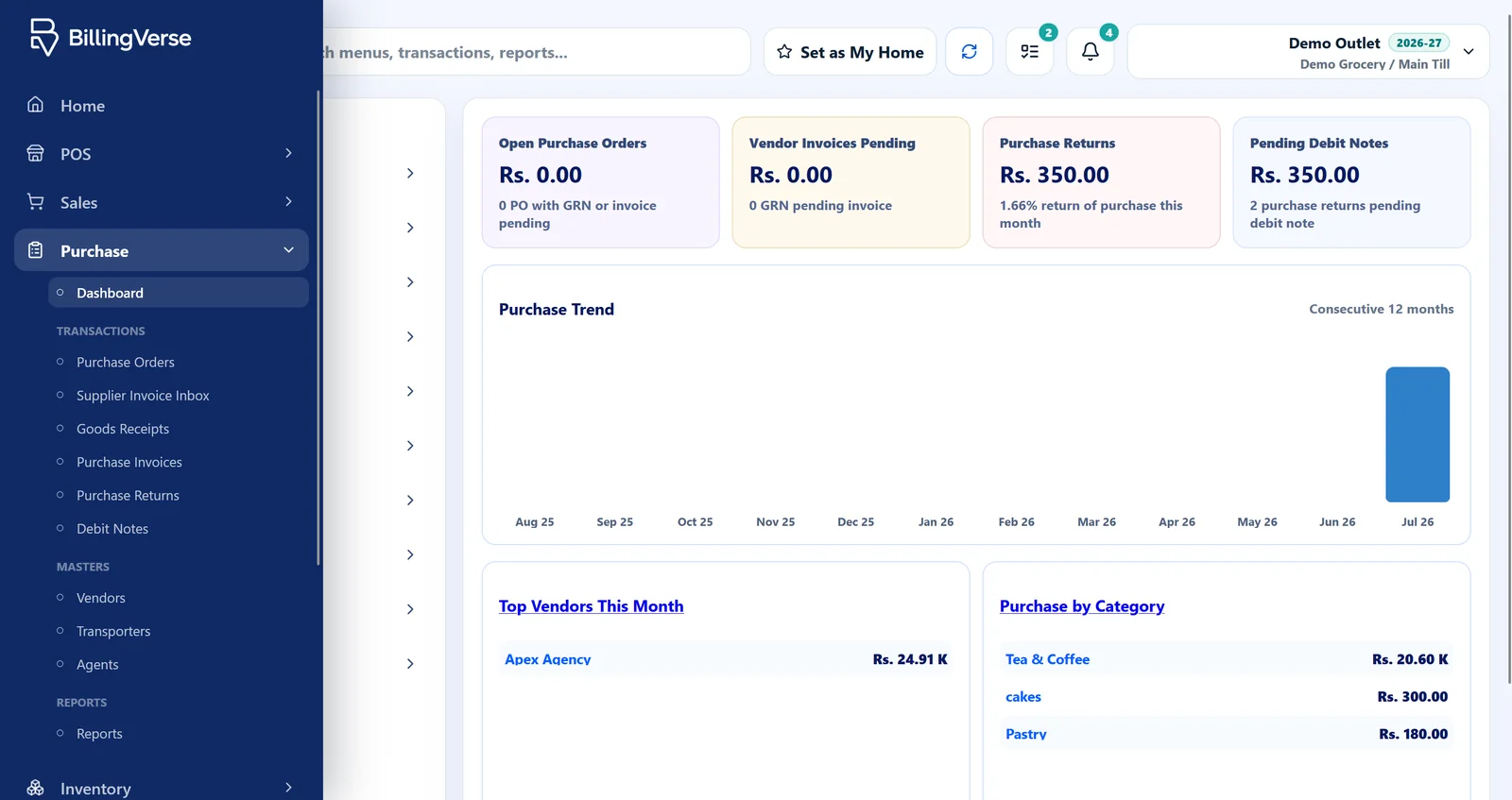
A total on a stock report is only the end result. The operational value comes from recording how goods arrived, why they left, what changed, and where they moved.
Record stock entering the operation through the relevant inventory or purchase receipt workflow.
Record products leaving a stock location for the operational reason represented by the issue workflow.
Document a stock adjustment instead of leaving a physical-versus-system difference unexplained.
Move stock between configured locations while retaining the source, destination and movement record.
BillingVerse keeps product, purchase, stock-location and reporting context together, while setup and operating discipline remain important.
Set up the product information and unit-conversion controls needed for purchasing, storing and selling each item.
Use the applicable purchase and receipt workflow when goods enter a store, outlet or warehouse.
Record issues, returns, adjustments and transfers against the relevant stock location instead of correcting totals outside the system.
Use operational records and drill-down business reports to investigate stock activity alongside purchasing, sales and accounts.
Connect incoming inventory with the purchase and receipt workflows used by buyers and stock teams.
Carry batch numbers, manufacturing dates, expiry dates and supplier batch references for batch-tracked products.
Keep manufacturing and expiry dates within the relevant inventory workflow, and discuss regulated traceability or recall requirements with our team.
Represent the units used through product and inventory workflows, then test your exact pack and sale-unit scenario during the demo.
Configure stock locations and record transfer workflows as inventory moves between the parts of the business.
Connect operational transactions to drill-down business reports while confirming the exact inventory report required by your team.
Barcode-first POS billing, holds and returns can work with the product and inventory records used elsewhere in BillingVerse. Evaluate both sides of the workflow using one real product and transaction scenario.
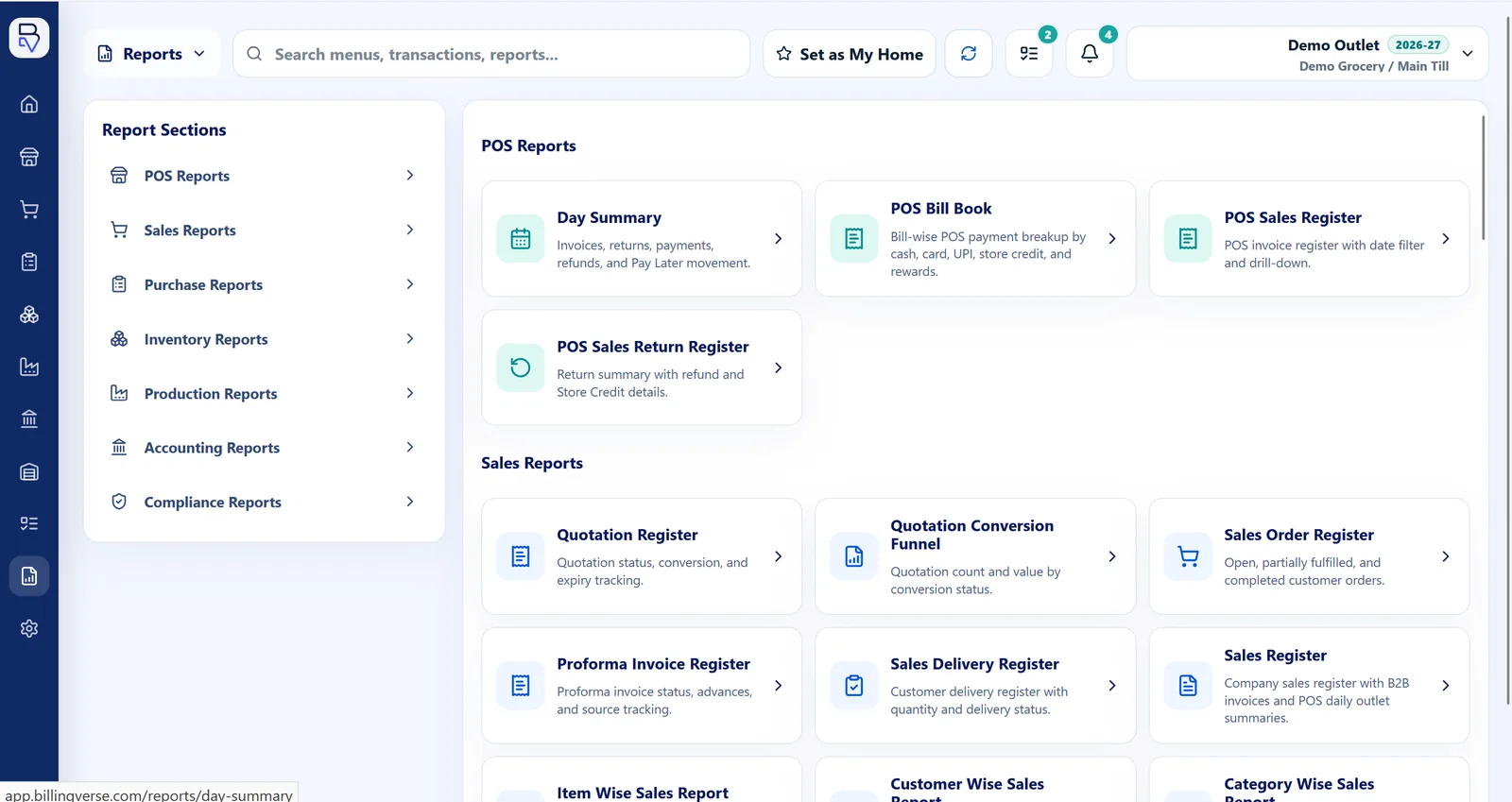
Let’s review stock-accuracy and forecasting expectations during your demo. Software can preserve movement records, while setup, physical counts, permissions and operating discipline remain important.
A real product—with its purchase unit, storage location, sale unit and batch requirements—will reveal more than a generic feature tour.
Inventory management software records how products enter, move through and leave a business. BillingVerse connects receipts, issues, adjustments and transfers with the wider retail and purchase workflow.
BillingVerse supports inventory and purchase workflows including receipts, issues, adjustments and stock transfers. Confirm the exact document flow and approval setup for your operation during the demo.
Yes. Batch-tracked products can carry batch details, manufacturing dates, expiry dates and supplier batch references through inventory workflows. Let’s discuss any regulated traceability, recall management or food-safety requirements during your demo.
BillingVerse supports unit-conversion controls through inventory workflows. Use the demo to test the actual purchase, storage and sale units used by your products.
Companies, outlets, tills, users and stock locations can be configured for multi-location operations, including stock-transfer workflows. Confirm your location, permission and transfer structure before rollout.
BillingVerse records supported inventory movements, while stock accuracy also depends on setup, physical counts and operating discipline. Let’s review forecasting and supplier-integration requirements during your demo.
Bring one product, two locations and the movement records your team needs to a guided BillingVerse walkthrough.