Quote and order
Use quotation, proforma and order workflows.

Create wholesale quotations, orders, deliveries and GST invoices while keeping purchases, product units, returns and accounts connected. Review carton-to-piece quantities and stock movements without losing the customer document trail.
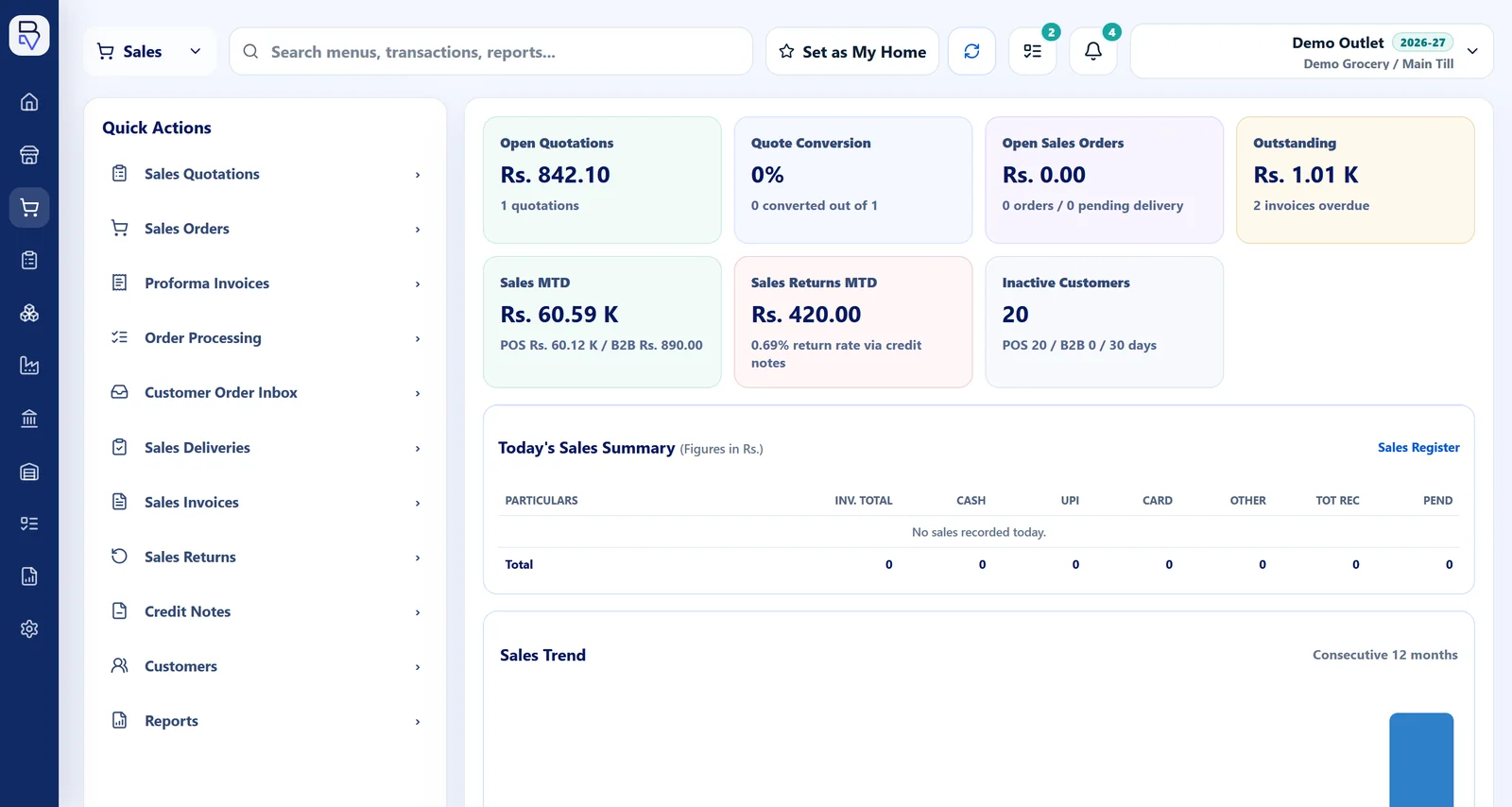
Explore the BillingVerse workflow before choosing a plan. Included features, applicable taxes and onboarding requirements depend on the selected plan and business setup.
A wholesale invoice is one part of the order. Your team also needs to review what was received, delivered, returned and credited, in the units used by your business.
Use quotation, proforma and order workflows.
Use supported delivery and GST-invoice documents.
Use purchase, inventory movement, batch and unit-conversion controls.
Record returns and credit notes, then review connected accounts and reports.
Test the units, documents and adjustments used by one representative customer order.
Confirm the product and unit-conversion setup.
Use quotation, order, delivery and invoice stages as applicable.
Review the related inventory and location records.
Test return, credit-note and downstream account context.
Suppose you receive 10 cartons of a product with 12 pieces per carton. A customer orders 7 cartons, receives 6, and later returns 1 piece. Use these illustrative quantities during your demo to confirm unit setup, document handling and any allocation or reconciliation requirements.
10 cartons × 12 pieces gives 120 pieces. Review the purchase receipt, stock location and carton-to-piece conversion, including the units printed on each document.
The 7-carton order is 84 pieces; the 6-carton delivery is 72. Discuss how your team records the remaining 12 pieces and which quantity should appear on the invoice.
Review the original invoice, return and credit note together. Confirm the amount credited and whether the returned piece is accepted into saleable stock; a credit is not itself evidence of a stock receipt.
The example leaves 48 pieces after delivery, or 49 if the returned piece is restored to saleable stock. Compare inventory movements with the invoice, credit note and customer ledger. Confirm outstanding-order and receivable reporting during the demo.
Prepare customer quotations and proforma documents before the sale.
Keep order and delivery records available alongside the billing workflow.
Maintain GSTIN details and tax-aware sales documents, with printable GST invoices.
Review the returned quantity, commercial adjustment and related stock records.
Use unit-conversion controls for purchase, stock and sale units, with receipts, issues, adjustments and transfers.
Review the related vouchers, ledgers and drill-down reports.
Let’s discuss bulk pricing, credit automation, EDI, marketplaces and logistics integrations for your wholesale workflow.
Use the real document stages, unit conversion, return and account result.
BillingVerse connects quotations, proforma documents, orders, deliveries, GST invoices, returns and credit notes with purchase, unit-aware inventory and accounting workflows.
BillingVerse supports unit-conversion controls through inventory workflows. Bring the purchase, stock and sale units for one product so the team can demonstrate the conversion, document display and quantity calculation.
BillingVerse supports GSTIN details, tax-aware documents and printable GST invoices. Supported operational transactions connect to vouchers, ledgers and drill-down reports. Review the customer-account and receivable views your team needs during evaluation.
Use an order with different ordered and delivered quantities, then add a return example. Ask the team to show the document chain, remaining quantities, credit note and stock result for your setup. Confirm partial-delivery and outstanding-order handling during the demo.
Let’s review your bulk-pricing, customer-pricing, credit-limit and approval rules during the demo so the team can confirm the required setup.
A free trial is available and plans start at ₹1,499 per month. Included features, applicable taxes and onboarding requirements depend on your selected plan and business setup. Review current plan details and trial terms during signup.
Use a sample order, packaging conversion and return to check the workflow. Remove personal or confidential details you do not need to share.