Transaction source
Start from supported POS, purchase, inventory, B2B or production records.

BillingVerse connects supported retail, inventory, purchase, B2B and production transactions to vouchers, ledgers, GST-ready records and drill-down business reports.
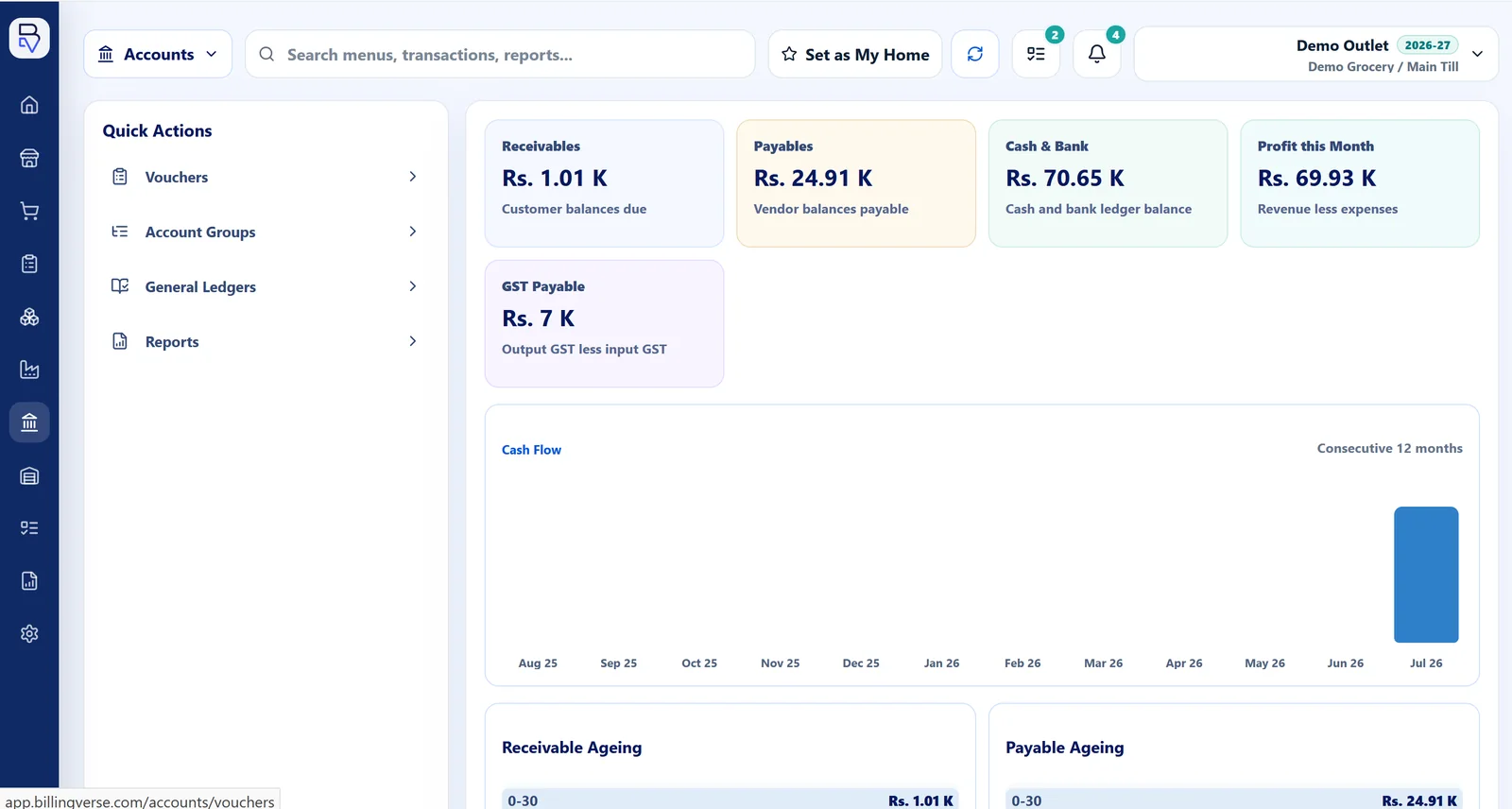
The page focuses on the connection between daily business records and accounting workflows, not on unverified statutory or professional-service claims.
Start from supported POS, purchase, inventory, B2B or production records.
Connect operational transactions to the relevant voucher workflow.
Review connected ledger records within the supported accounting workflow.
Use drill-down business reports and confirm the exact financial views required.
Keep the source workflow visible while evaluating the resulting accounts and reports.
Complete the relevant sale, purchase, stock or production workflow.
Inspect the connected voucher and ledger context supported by the transaction.
Review tax-aware document and GST-ready record fields, then discuss the filing workflow with your tax adviser and our team.
Test the report, period, outlet and account views your team actually uses.
Link supported daily workflows with accounting records.
Use voucher workflows connected to operational activity.
Review ledger context produced by supported records.
Maintain supported GST-aware record fields and documents.
Use drill-down operational and accounting reports.
Configure companies and financial years while confirming consolidation requirements.
Discuss audit, filing and statutory-report requirements with your accountant or tax adviser, and review the required software workflow with our team.
Use a real document type, ledger expectation and report view in the walkthrough.
BillingVerse connects operational transactions to vouchers, ledgers, GST-ready records and drill-down business reports.
Let’s review your return-filing workflow with the product team and your tax adviser to confirm the right approach.
Supported retail, purchase, inventory, B2B and production workflows can contribute operational context to BillingVerse accounting records.
No. Use BillingVerse alongside qualified accounting and audit advice for your business and statutory requirements.
Bring one real transaction and the records your accountant expects.