Source document
Begin with the purchase invoice PDF received from the supplier.

Upload a supplier invoice PDF. BillingVerse uses AI to extract available invoice details into the purchase workflow, where your team reviews and corrects the result before posting.
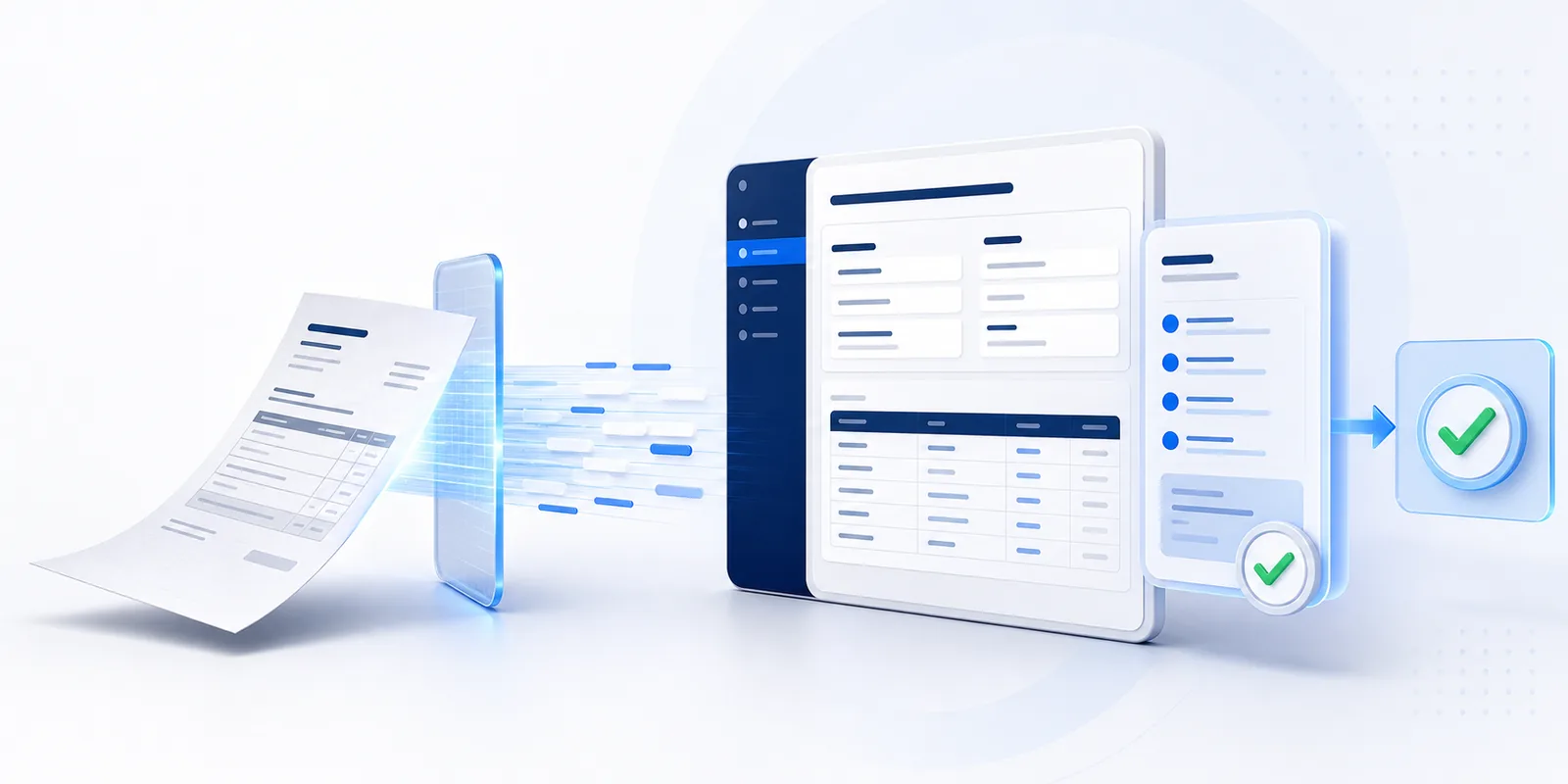
The feature prepares available invoice data from the uploaded PDF so the purchase team can verify the document in BillingVerse before it becomes a posted purchase invoice.
Begin with the purchase invoice PDF received from the supplier.
BillingVerse prepares available invoice header and line-item values from the document.
Compare the prepared entry with the source PDF and correct anything that needs attention.
Post the reviewed invoice through the connected BillingVerse purchase workflow.
AI assists with preparation; your team remains responsible for checking the document before posting.
Choose the supplier purchase invoice you want to enter.
AI extracts available invoice details into the purchase invoice form.
Check supplier, document, tax, item and total information against the source invoice.
Save the reviewed document through the supported purchase workflow.
Keep the supplier PDF beside the prepared entry. These four checks help your team spot details that need correction before the invoice is posted.
Check that the vendor, invoice number and date match the source PDF. Verify the business entity when your team handles purchases for more than one company.
Compare each item, quantity and unit with the document. Pay attention to pack sizes and similar product descriptions when reviewing the mapping.
Review rates, discounts, additional charges, tax values and the invoice total. Resolve any difference before posting the prepared entry.
Correct extracted values that do not match the source. If the PDF itself is unclear, request a readable copy or clarification from the supplier before completing the entry.
Begin the workflow from a supplier purchase invoice PDF.
Prepare available document values for structured review.
Review the extracted supplier and invoice-level information.
Review the prepared product, quantity, rate and amount context available from the document.
Edit the prepared entry where the source document requires correction.
Post the reviewed invoice into the BillingVerse purchase workflow.
Extraction results can vary with document quality and layout. Review the prepared invoice against the source PDF before posting.
Include a straightforward invoice and one document with the tax, discount, charge or item detail your team normally checks.
It uses a supplier purchase invoice PDF to prepare available invoice details in BillingVerse for review before posting.
The intended workflow includes a review step. Your team checks and corrects the prepared information before posting the purchase invoice.
Results can vary with document quality, layout and available information. Test representative supplier PDFs and verify each prepared invoice against its source.
No. Extraction prepares information from the supplier PDF. Comparing that invoice with a purchase order or goods receipt is a separate review step. Discuss any automatic matching rules and approvals your business requires during the demo.
Bring a few representative supplier PDFs, including one with the units, discounts or charges your team regularly handles. The walkthrough can cover upload, prepared fields, corrections and the reviewed posting result.
After review, the invoice is posted through the supported BillingVerse purchase workflow, alongside the related vendor, inventory and accounting context.
Bring a representative supplier PDF to a guided upload, review and posting walkthrough.