Company
Configure the company entity used by the operation.

BillingVerse supports company configuration alongside outlets, tills, users, permissions, stock locations and financial years for multi-location operations.
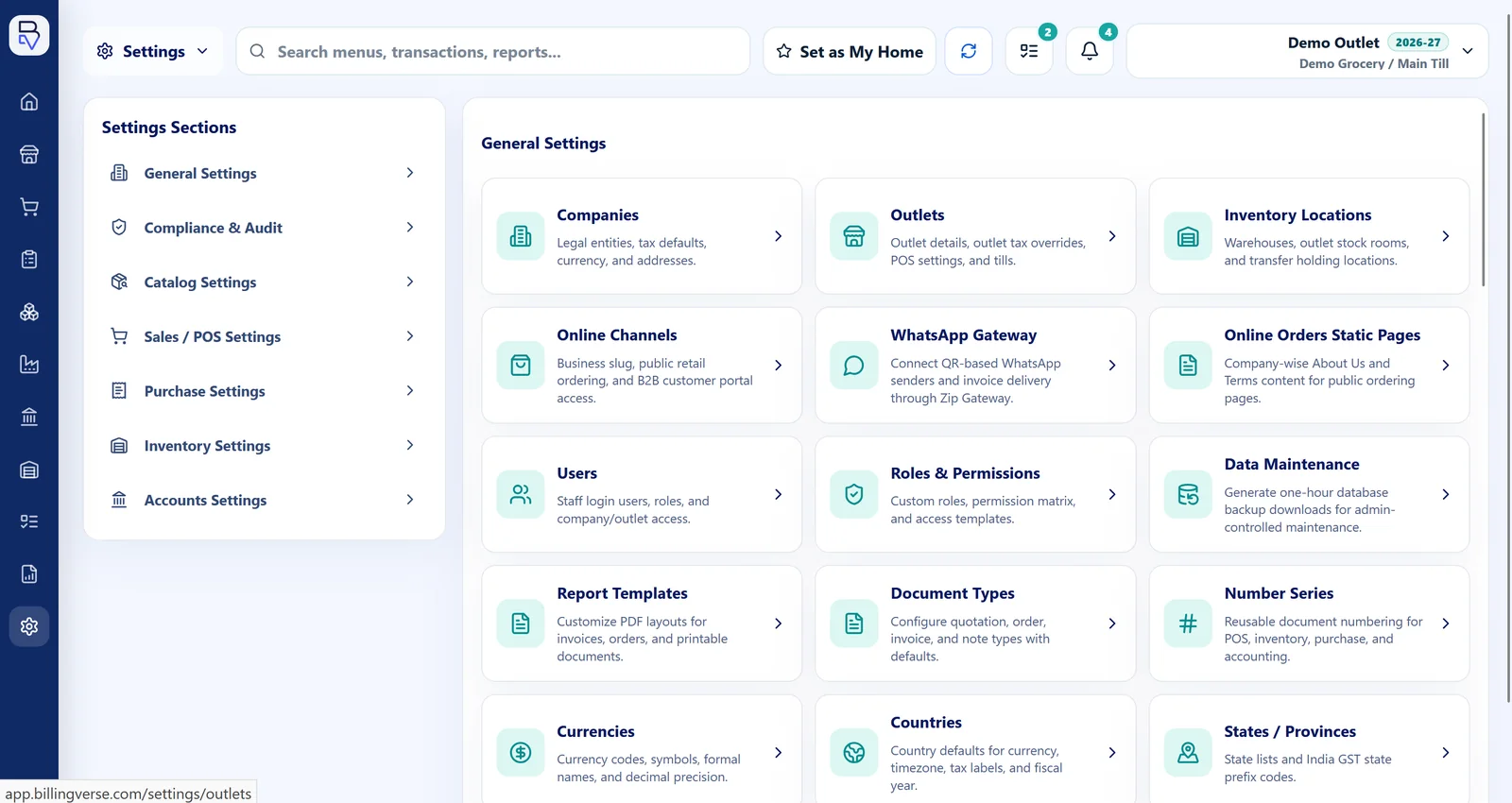
The supported configuration is useful for structured operations. Use the demo to map consolidation, ownership and inter-company requirements.
Configure the company entity used by the operation.
Associate the relevant outlets and stock locations with the planned structure.
Configure users, permissions and role-aware workspaces.
Use financial-year setup while confirming reporting and closing expectations.
Map the legal and operating structure before evaluating reports or cross-company requirements.
Identify the entities that must be configured.
Define where each operation and stock location belongs.
Map responsibilities to the relevant company and workspace.
Confirm financial-year and reporting behaviour for each company.
Configure supported company entities.
Represent relevant operating outlets.
Configure till context where retail counters apply.
Assign role-aware access within the supported model.
Represent stores, outlets and warehouses.
Configure financial-year context and confirm reporting scope.
Let’s discuss entity counts, international consolidation and group-accounting requirements for your proposed structure.
Use the actual entities, users, financial years and reports the rollout requires.
BillingVerse supports company configuration as part of multi-company and multi-location operations.
Companies, outlets, tills, users and stock locations can be configured. Confirm the exact hierarchy and permissions during the demo.
Let’s review international consolidation and group-accounting requirements during your demo.
Confirm the required entity counts and commercial terms with our team before rollout.
Bring the operating structure to a guided BillingVerse walkthrough.